Try Brand and metadata kit for YouTube creators now, no sign-up needed
Brand and metadata kit for YouTube creators · Your channel's kit, measured to the pixel
For the creator who builds or maintains their channel without a designer: banner, profile picture, watermark and playlist cover with the safe area respected, plus your name, @handle, title lettering and video metadata ready to paste into YouTube Studio.
In the features that use AI, responses are generated by artificial intelligence and are not a substitute for professional advice.
Etsitkö taas pisteestä pisteeseen -tehtäväsivuja netistä?
Ilmaiseksi löytyvät ovat aina samoja eivätkä melkein koskaan lapsesi lempiaiheesta. Zuki Dots kääntää asian: kirjoitat, mitä haluat piirtää, valitset iän, ja sovellus luo sivun tyhjästä numeroituine pisteineen, valmiina tulostettavaksi. Jokainen idea on eri tehtäväsivu, ja kaikki tallentuvat historiaasi, jotta voit ottaa ne esiin tarvittaessa.
See the tools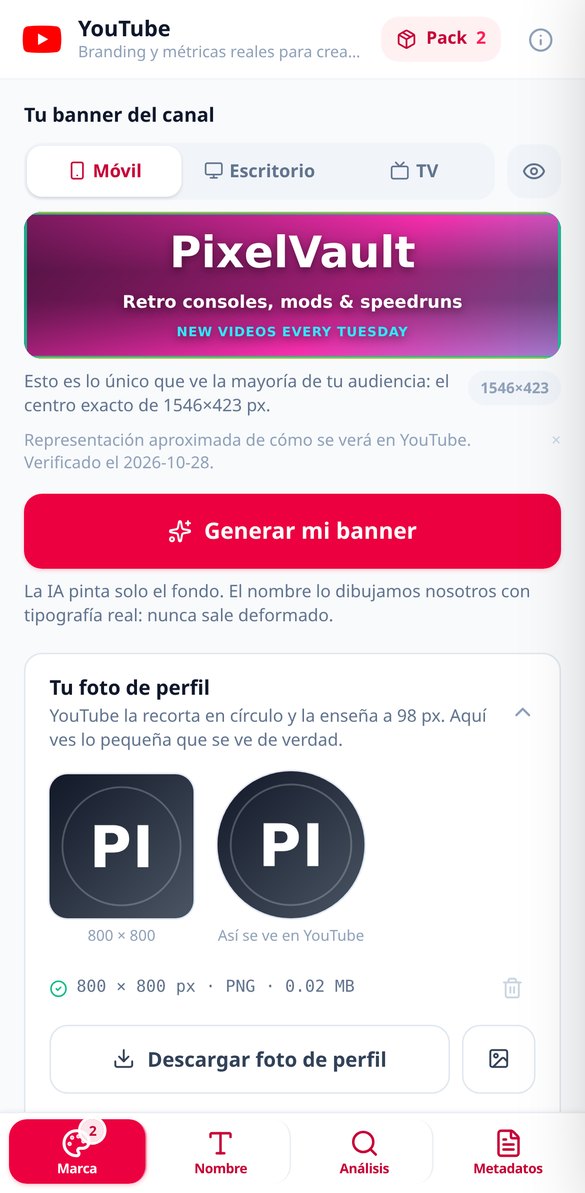
Discover every feature in detail
YouTube Measurements: banner, safe area, and character limits
Banner 2560×1440 with a safe area of 1546×423, profile picture 800×800, branding watermark 150×150, and playlist cover 1280×720, plus title, description, tags, and chapters limits. Versioned table with its verification date: October 28, 2026.
Try it free
YouTube Banner 2560×1440 with the safe area respected
Create your YouTube channel banner in 2560×1440 with AI-generated background art and the name composed with real typography within the safe area of 1546×423: it won't be distorted or cut off on mobile. Contrast measured on the final image and dark overlay reinforced if the lettering is not readable.
Try it free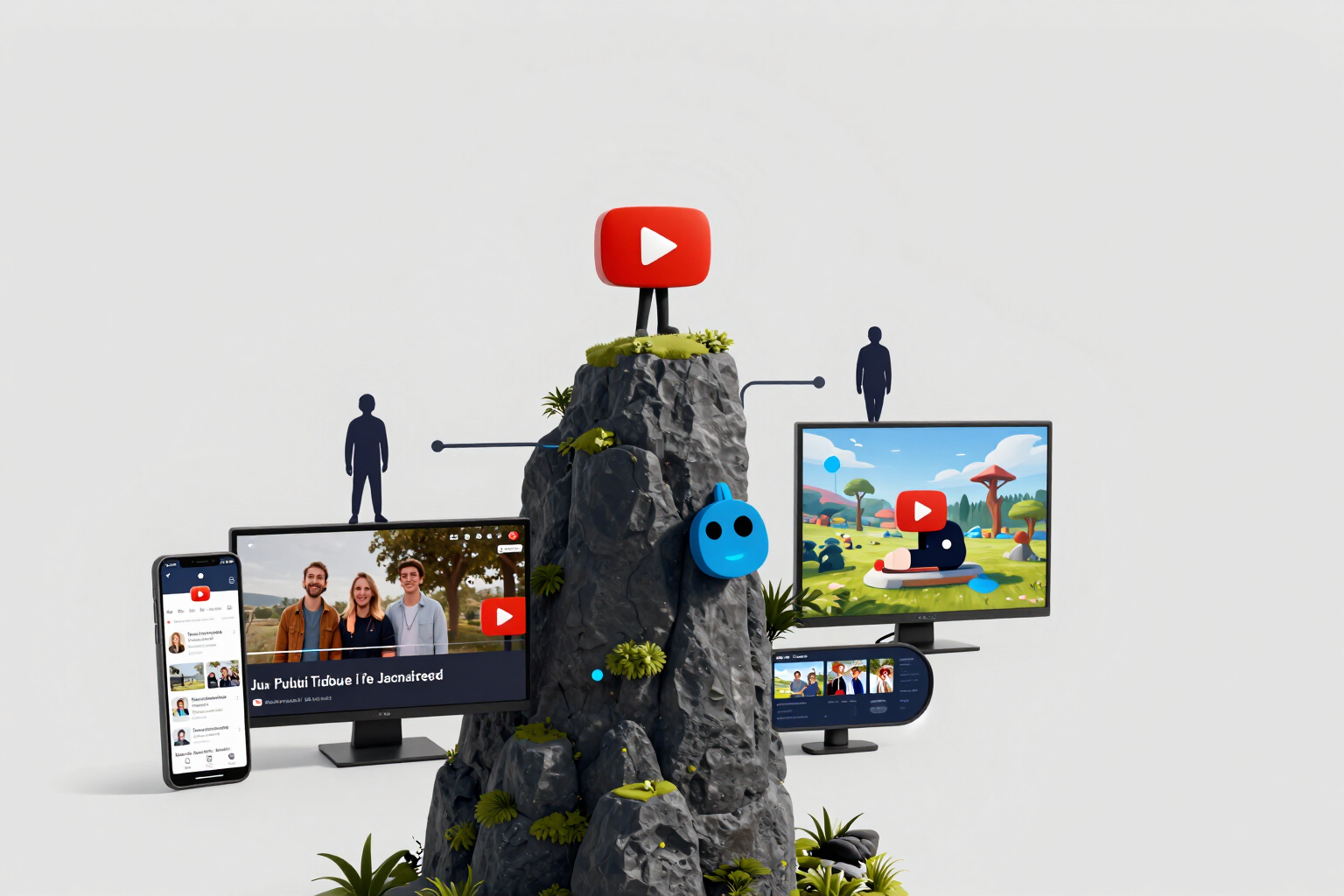
How your YouTube channel banner looks on mobile, desktop, and TV
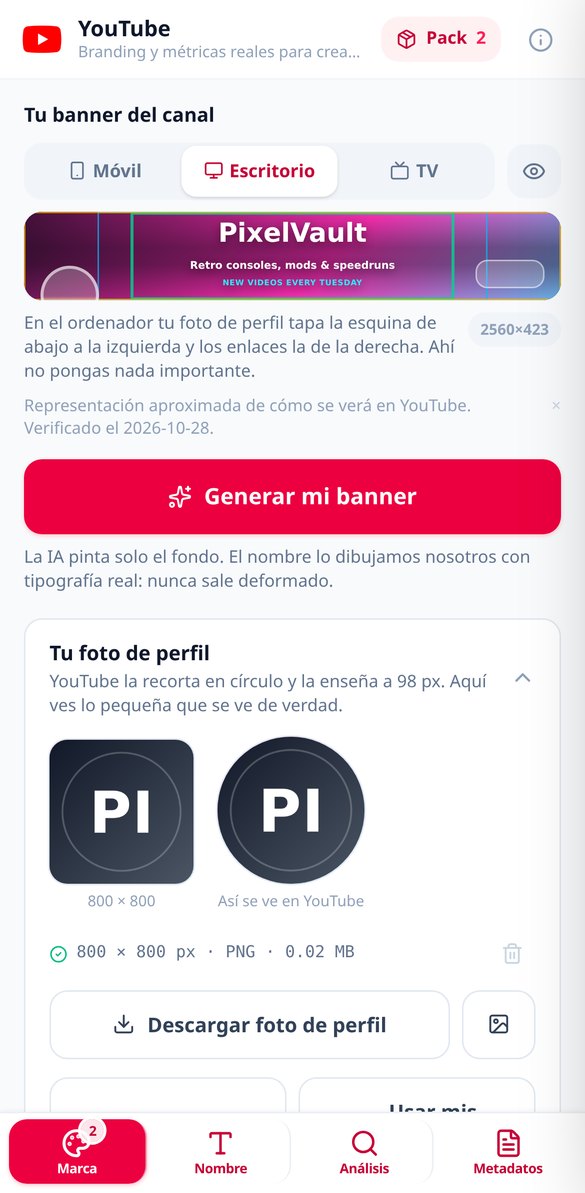
Free and no registration YouTube banner simulator: see the actual crop on mobile (1546×423), desktop (2560×423), and TV (2560×1440), with the silhouette of the floating profile-photo circle and social links in place, along with guides for the three switchable areas.
Try it free
YouTube watermark 150×150 with real transparency
Create the YouTube player watermark: 150×150 PNG with the background cropped on the server and the transparency checked by reading the binary, previewed over the player on light and dark backgrounds. If it doesn't come out transparent, enter the monogram, which always has it.
Try it free
Niche YouTube Channel Name Generator
Type what your channel is about and receive name ideas instantly, no registration required: deterministic niche generator with five tones, blacklist of YT, TV, Official, HD, and third-party brands, character counter against the 30 limit, and the truth about repeated names on YouTube.
Try it free
YouTube channel name letters with search warning
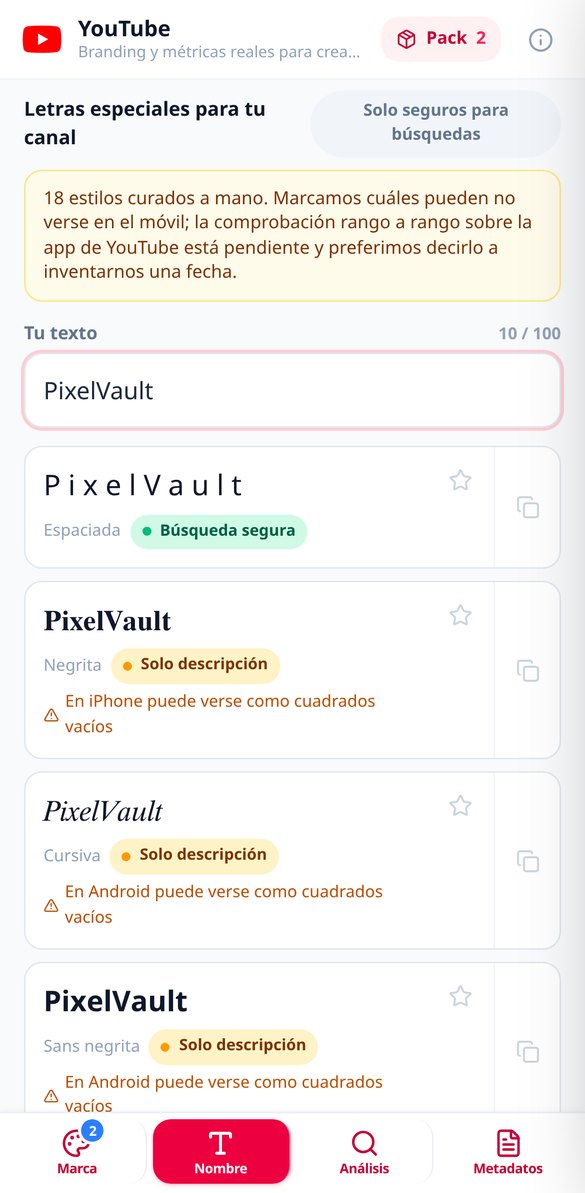
Convert your channel name to 18 Unicode letter styles and copy them with one touch. Each style warns if YouTube will still find you in search and if it may appear as blank squares on Android or iPhone, with the warning measured against the actual mobile fonts. No registration.
Try it free
Analyze a YouTube channel for free and without signing in
Paste the URL or @handle of any public YouTube channel and get its report with real data from the official API: subscribers, views, publishing cadence, Shorts mix, titles, and description health. No OAuth, no passwords, no extensions, and free without registration.
Try it free
YouTube Video Description Generator with Placeholders
Create your YouTube video description in separate blocks: a 150-character hook measured with a traffic light, a body with editable placeholders instead of fake links, a call to action, hashtags, and chapters. The order is assembled by the server, and the limit of 5,000 characters is respected.
Try it free
YouTube Video Tag Generator with 500 Character Limit
Generate your YouTube video tags in three layers — brand, topic, and long-tail phrases — with the 500-character counter always in view, trimming by priority when you exceed, and pills that you can remove and add with a tap. Without promising you ranking.
Try it freeWhat you get
Kolme asiaa, joita ladattu PDF ei anna: haluamasi aihe, iän mukainen vaikeus ja numerointi, joka onnistuu aina.
Banner with the safe area respected
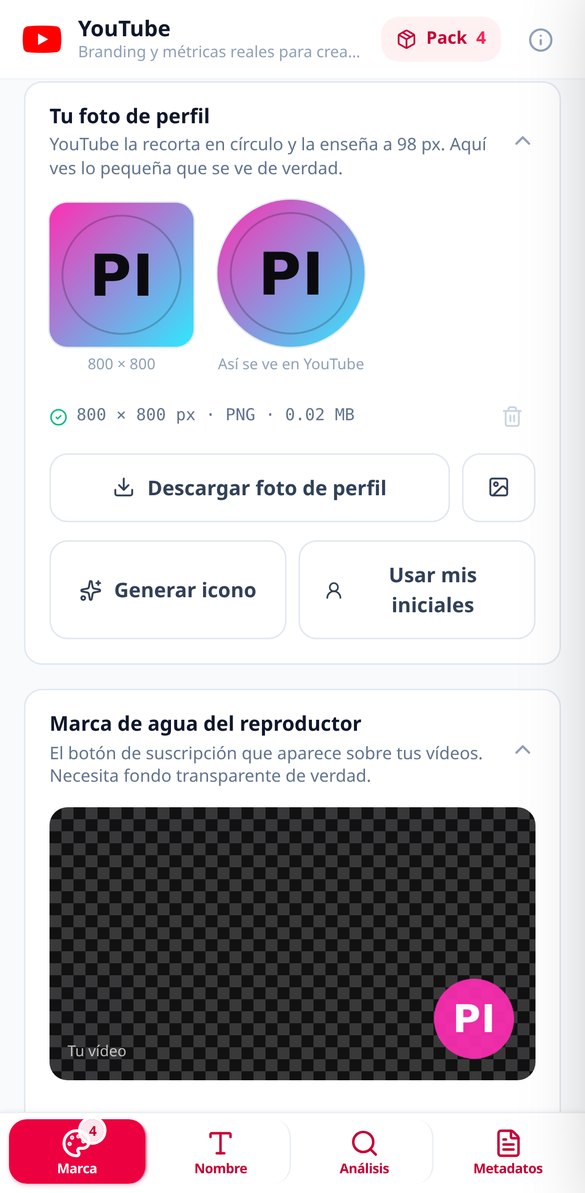
Background generated for your niche across 5 styles and 7 palettes, with the text composed inside the safe area. Along with it, the 800×800 profile picture, the 150×150 player watermark with real transparency (if the art can't achieve it, the monogram steps in, which always has it) and the 1280×720 playlist cover. Each piece arrives with its dimensions and file size measured, and the whole pack in a ZIP with a LEEME.txt explaining where to upload each file.
Name, @handle and lettering with a traffic-light guide
Channel names by niche, @handles that meet the official rules character by character —including the odd hyphen that autocorrect inserts— and 18 Unicode type styles you can copy with one tap, each with a note on whether it's searchable, only good for the description or just decorative. Works without sign-up and at no cost.
Metadata ready for YouTube Studio
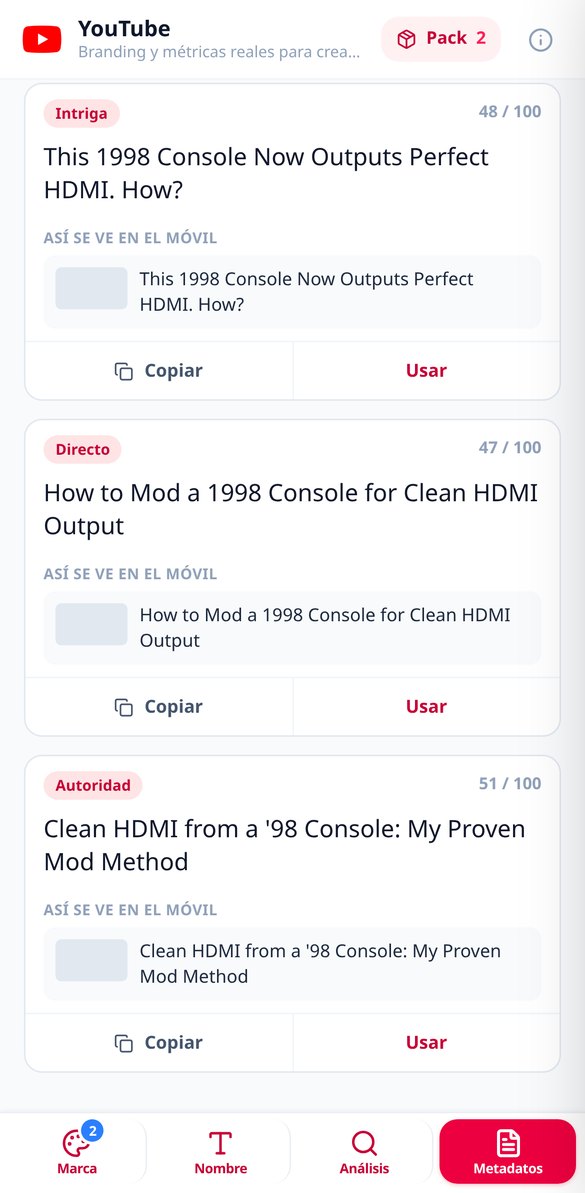
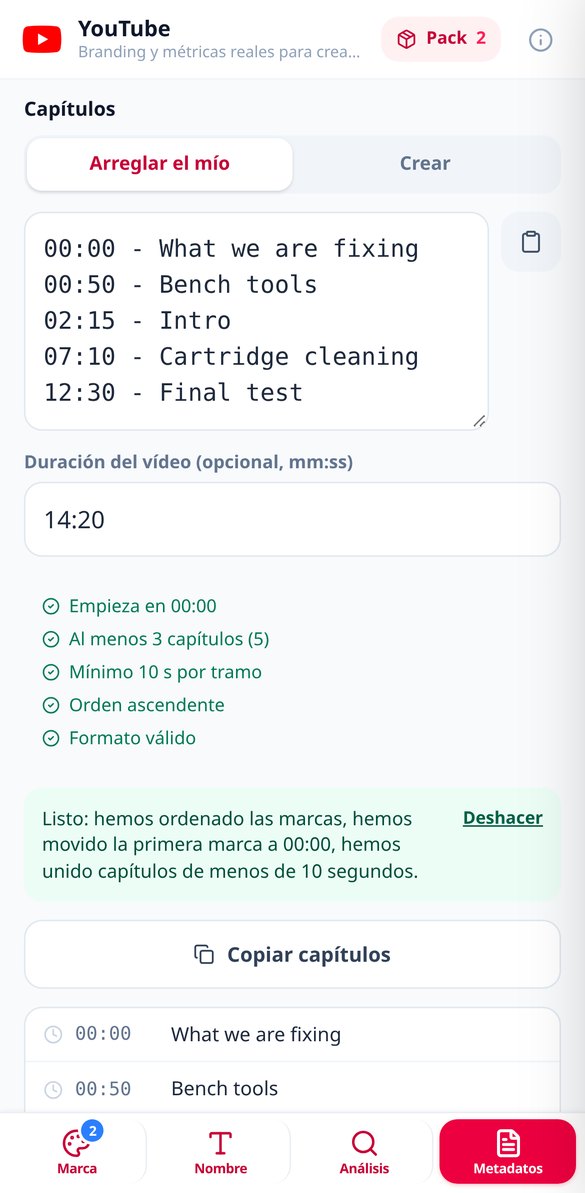
Three titles with different angles (intrigue, direct and authority) measured against the 60 characters visible on mobile and the 100 limit, a description assembled in three blocks with the hook within 150 characters and placeholders instead of invented links, sanitized chapters (00:00, minimum 3, minimum 10 s) and tags in three layers trimmed below the 500-character limit.
From your topic to the uploaded file, in three steps
Rekisteröidy
Luo ilmainen tili ja avaa Zuki Dots.
Kirjoita idea ja valitse ikä
Kerro yhdellä lauseella, mitä haluat piirtää, ja napauta ikäryhmää. Muuta asetettavaa ei ole.
Tulosta ja yhdistä pisteet
Alle minuutissa sivu on valmis: tulosta se A4:lle, tallenna se puhelimeen tai avaa se koko näytölle katsoaksesi läheltä. Se jää historiaasi, jotta voit tulostaa sen uudelleen milloin haluat.
Frequently asked questions
Latest blog articles
Guides and news to get more out of it
Your @handle is now your name on YouTube: change rules, how many times, and what happens to the old one
The @handle replaced the channel name in chat and YouTube memberships: two changes every 14 days, 14 days of retention, and allowed format.
Ask Studio, the AI of YouTube Studio: what it does, who already has it, and what your channel can do while you wait for it
What is Ask Studio, what AI cards it provides in Insights, who has already received it, and what you can fix today on your channel without waiting for the AI.
Build your channel's identity this afternoon
Luo ilmainen tili ja kokeile sillä piirroksella, josta hän pitää eniten.