Try Minecraft now, no sign-up needed
Minecraft · Skins, banners, server icon and building blueprints
For those who create in Minecraft —server owners, content creators, skin designers and builders—: five studios that deliver the exact file and check it before giving it to you. NOT AN OFFICIAL MINECRAFT PRODUCT. NOT APPROVED BY OR ASSOCIATED WITH MOJANG OR MICROSOFT.
In the features that use AI, responses are generated by artificial intelligence and are not a substitute for professional advice.
Har du svårt att följa en hälsosam kost?
Vår app ger dig personliga planer och kontinuerlig uppföljning för att nå dina nutritionsmål.
See the tools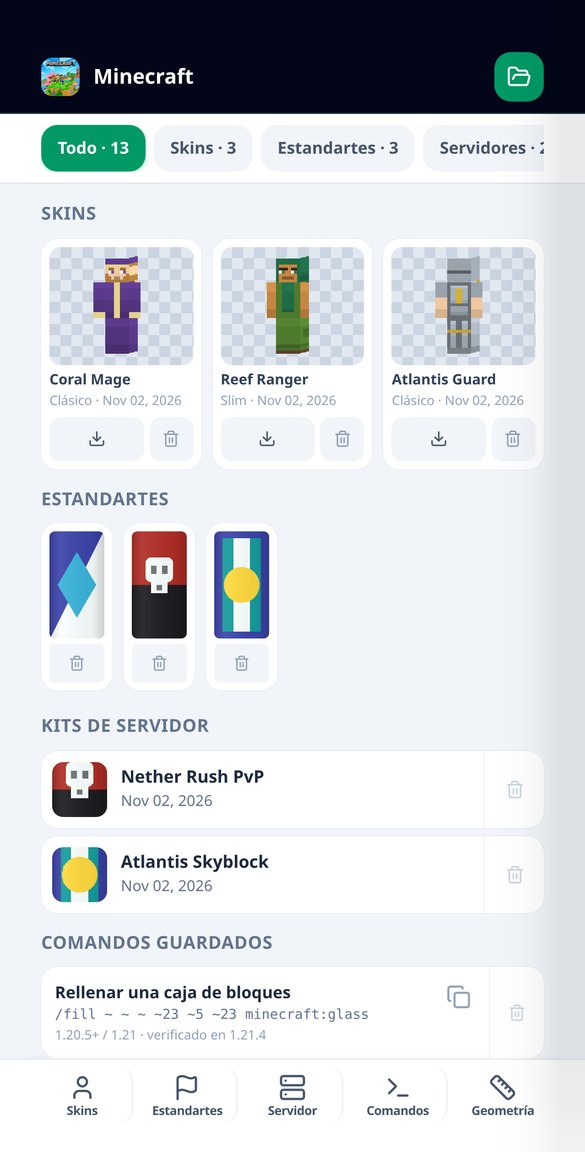
Discover every feature in detail
Minecraft 64x64 Skin Creator with Verified Atlas
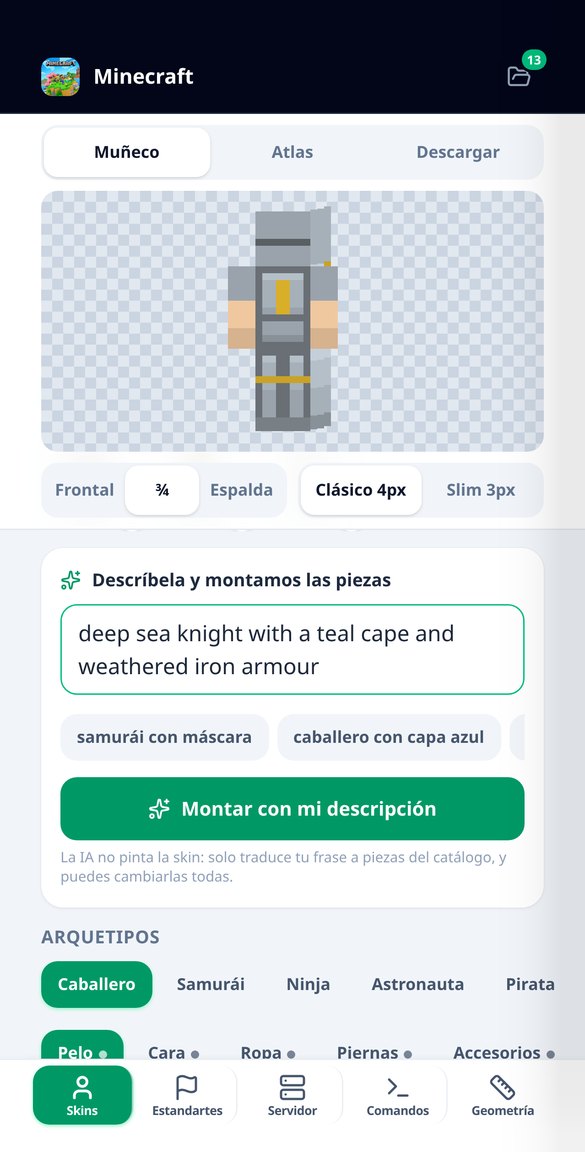
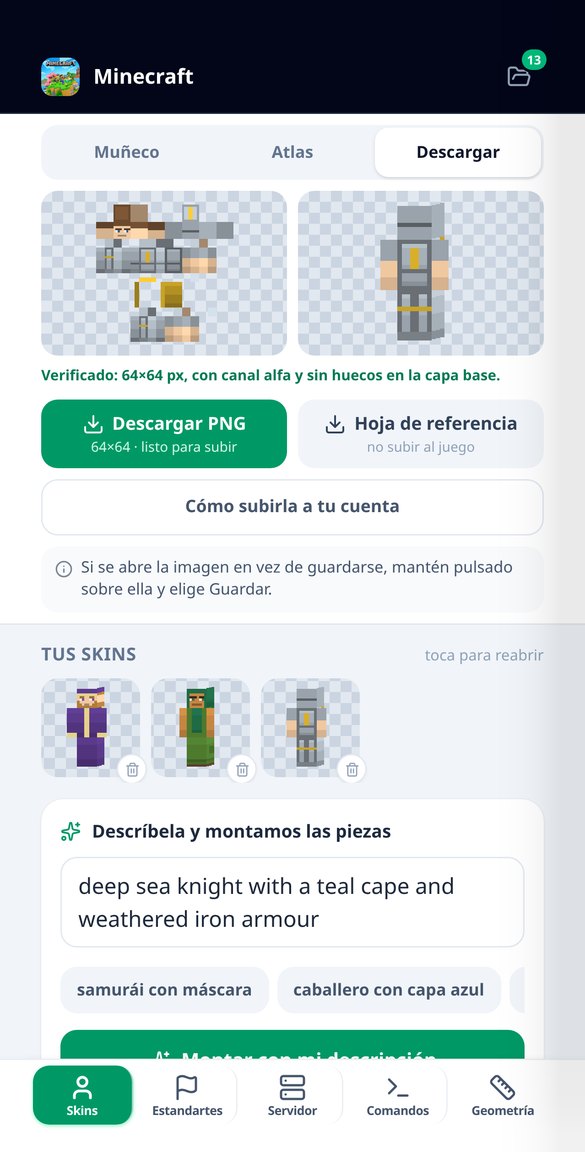
Create your Minecraft skin piece by piece: 14 archetypes, 57 catalog options, classic and slim model. The 64×64 PNG is measured before delivery. Free.
Try it free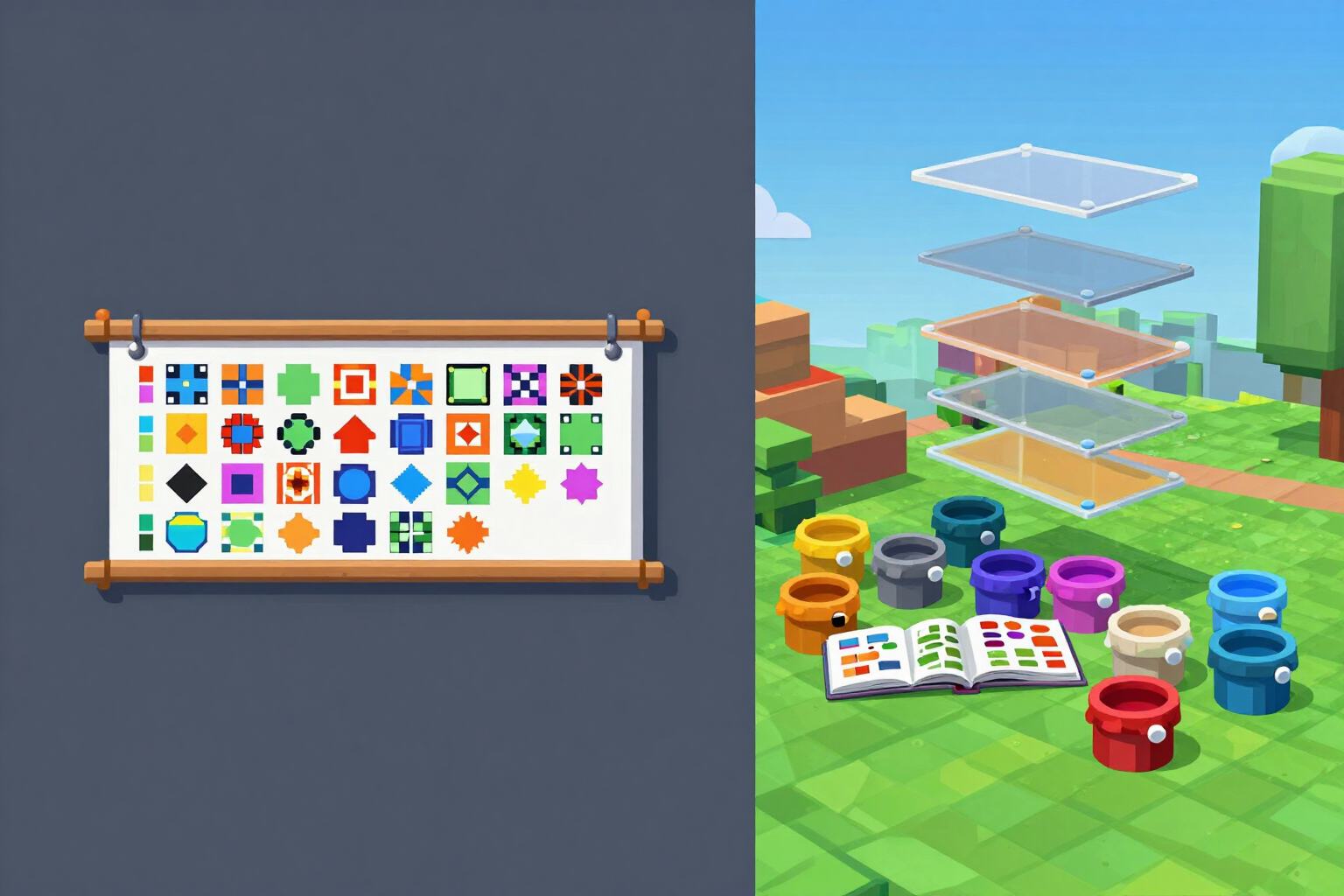
Minecraft Banner Generator: 42 Patterns and 6 Layers
Design Minecraft banners with 16 dyes, 42 patterns, and up to 6 layers. Step-by-step loom recipe, materials list, and /give command in both syntaxes. Free and without an account.
Try it free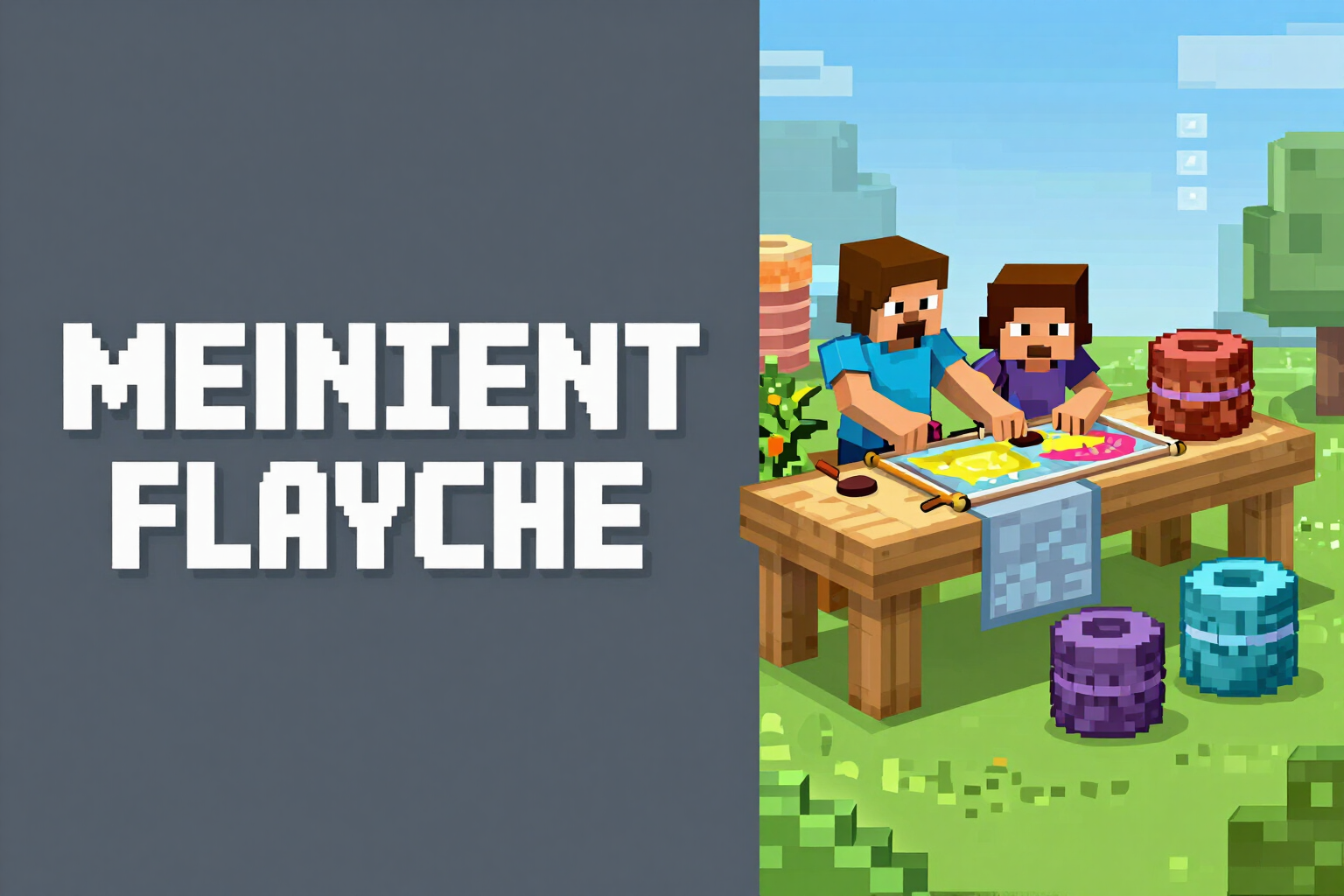
Step-by-step loom recipe in Minecraft and materials
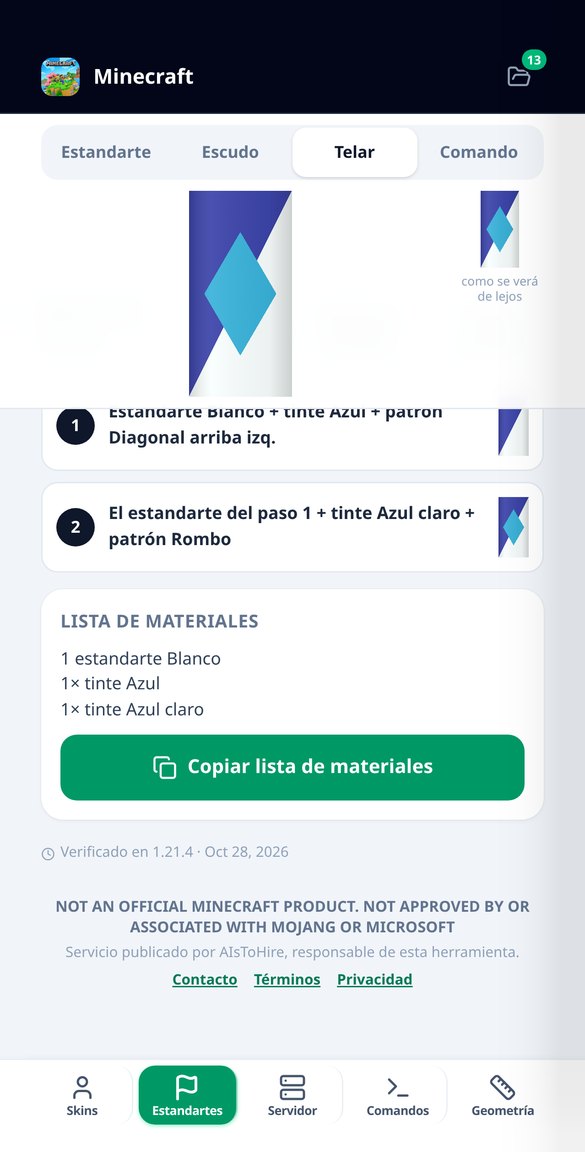
Turn your banner into the exact loom steps: incoming banner, dye, and pattern for each step, partial result, and shopping list. Free and without an account.
Try it free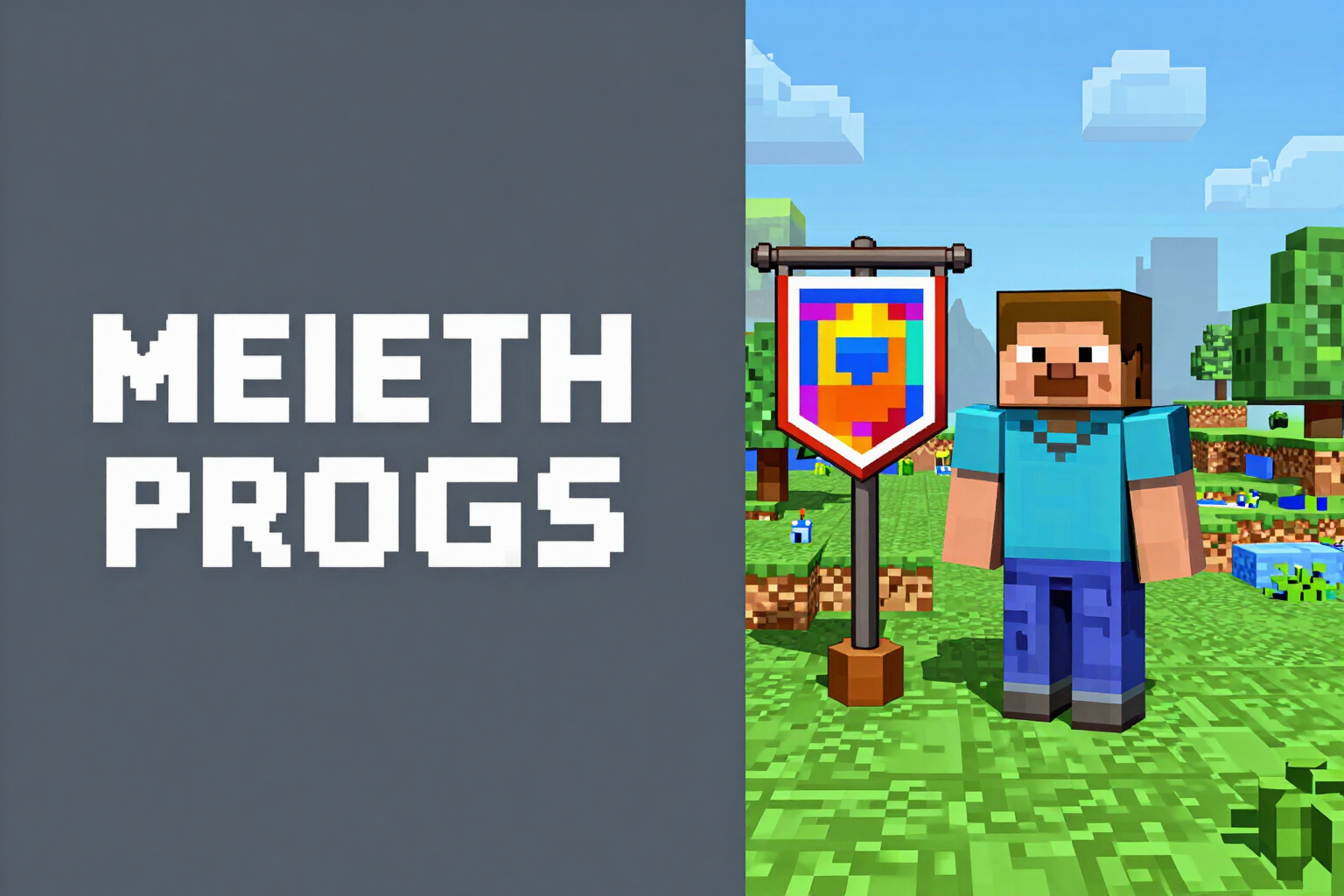
Minecraft Banner /give Command (1.21 and 1.20.4)
Generate the /give command for your banner and shield in both syntaxes: item components for 1.20.5+ / 1.21 and NBT for 1.16 – 1.20.4. Free and no account required.
Try it free
Minecraft MOTD Generator with Pixel Measurement
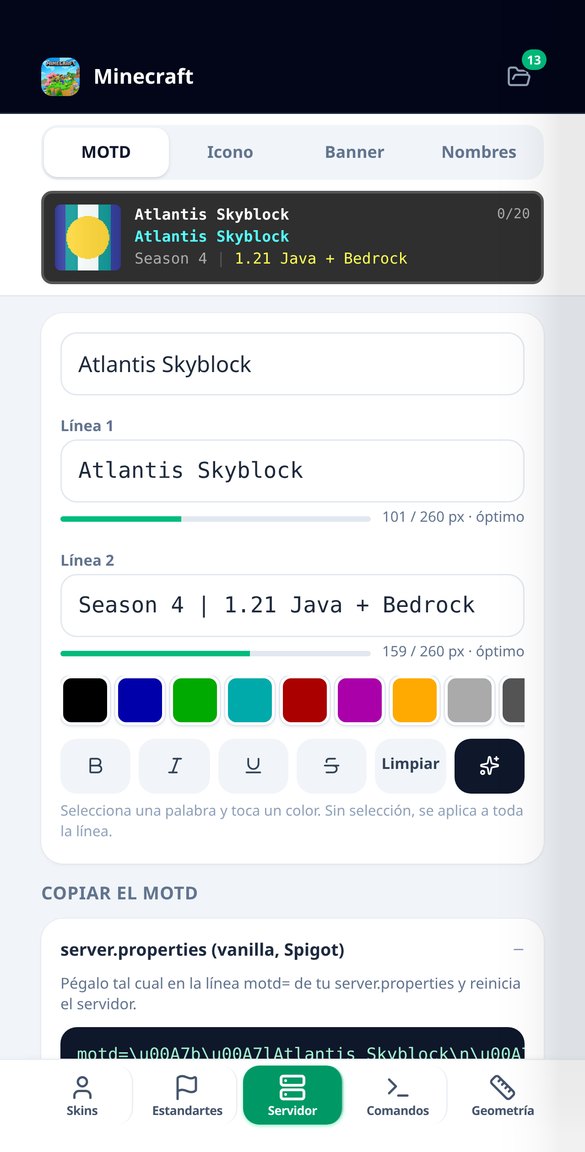
Write your server's MOTD in two lines with colors and styles and see how many pixels each one occupies in actual width. View the crop before uploading. Free.
Try it free
MOTD in server.properties: section sign character escaped and line break
Copy your Minecraft server's MOTD in four formats: server.properties with \u00A7 and \n escaped, Paper's MiniMessage, Bungee's hex, and section codes.
Try it free
Minecraft 64x64 server-icon.png with AI
Generate your Minecraft server's server-icon.png with AI: choose a theme and style, and the app reduces it to exact 64×64 and measures the file before giving it to you.
Try it free
Minecraft Server Name Generator | Free
Instantly generate 10 Minecraft server names by theme: survival, skyblock, PvP, roleplay, anarchy, or mini-games. Save favorites and create its icon.
Try it free
Minecraft Command Generator: 36 Verified Presets
Catalog of 36 hand-tested Minecraft commands ready to copy: /give enchanted, boss mobs, villagers, tellraw, fill, clone, and datapacks, in 1.21 syntax or NBT.
Try it free
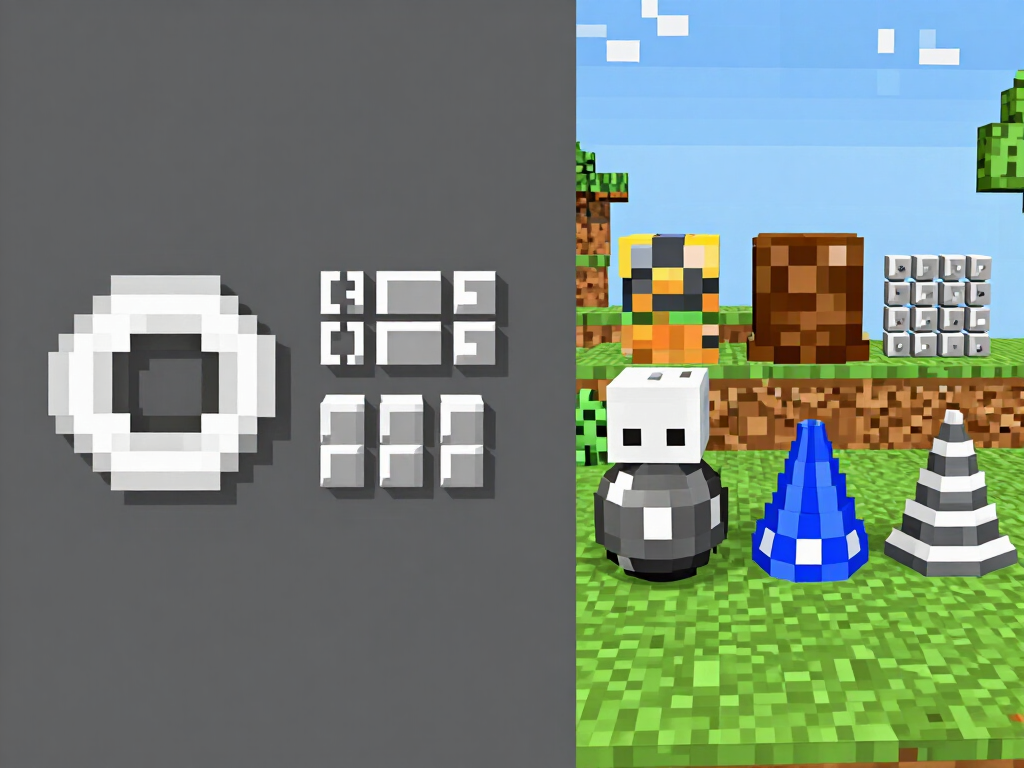
Minecraft Circle and Sphere Generator | 8 Shapes
Generate circles, spheres, domes, towers, cones, toruses, and arches in Minecraft up to 512 blocks: grid layer by layer, runs, and materials in stacks.
Try it free
Minecraft Build Mode: mark segments with haptic feedback
Build circles and domes without losing track: mark each segment with a tap, the mobile vibrates, it gets crossed out and switches layers automatically. High contrast and active screen.
View feature
Minecraft Pixel Art Image | 4 Block Palettes
Convert a photo into Minecraft block pixel art: 16, 32, 64, or 128 blocks wide, four real palettes, materials in stacks, and a printable sheet.
View featureFive studios, each with an exact deliverable
Upptäck allt vår app kan erbjuda dig.
Skin Studio: the 64x64 atlas comes out correct by construction
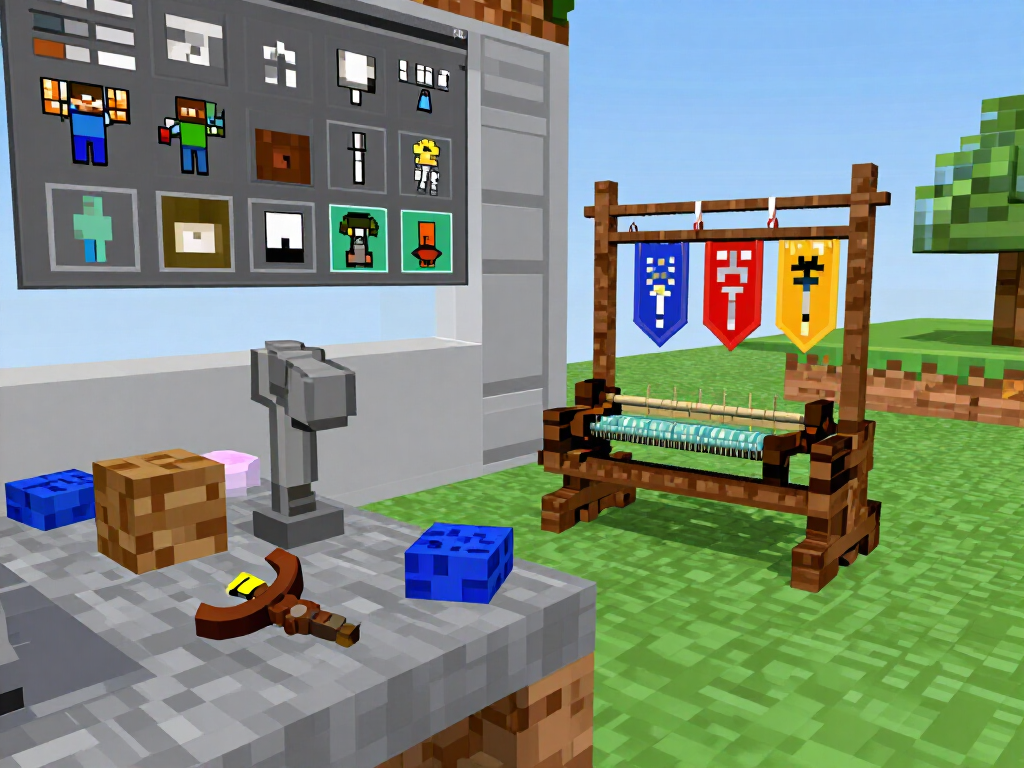
You describe the character and the app translates it into pieces from its own pixel art catalogue (archetypes, hairstyles, garments, accessories and outer layer), with a recolorable palette that preserves shading. Choose the classic model (4 px arm) or slim (3 px) and download the already-measured 64x64 PNG, with the character in three views and the atlas sheet with each region labeled. You upload it to the game yourself in your account: no credentials are requested here.
Banners and shields with their loom recipe and command
Base color from the 16 dyes and up to 6 layers —the real survival limit— from a pattern catalogue. You get the rendered banner and shield, the loom steps one by one with the materials list, and the /give command in two labeled syntaxes: NBT for before 1.20.5 and item components for 1.20.5 and later.
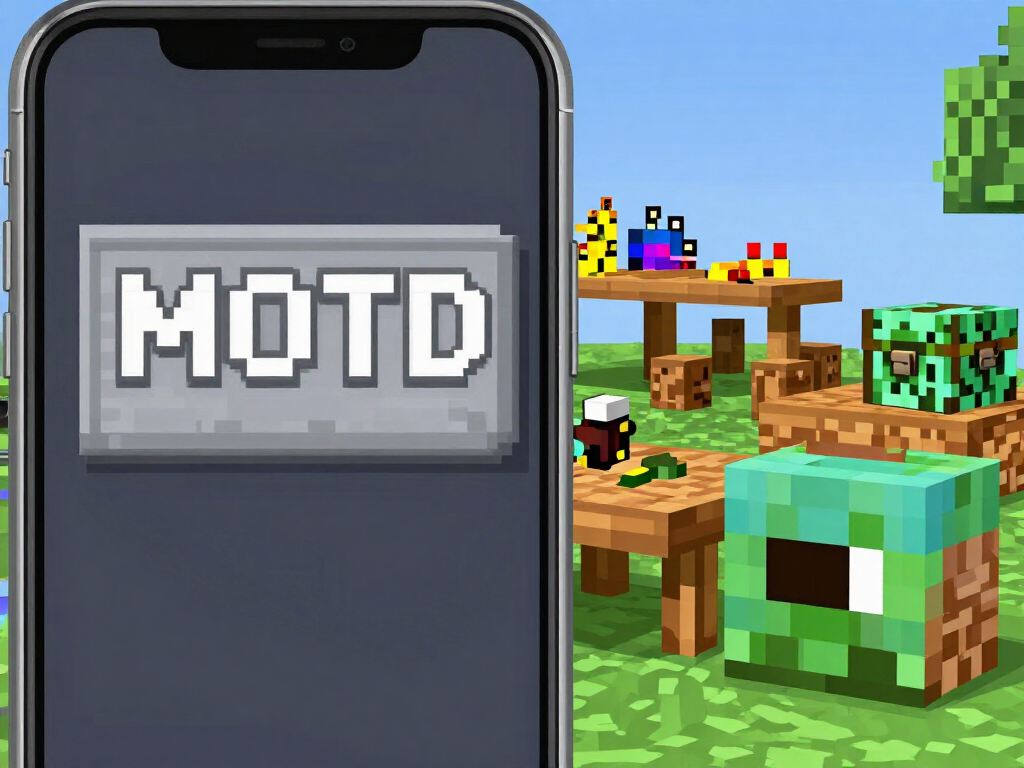
Server kit: MOTD measured in pixels and verified 64x64 icon
The game's font isn't monospaced, so counting characters doesn't work: the editor measures each line in real pixels and warns you before it gets cut off, with the server list card exactly as it will look. The MOTD is exported in four formats, with the section character escaped as \u00A7 for server.properties. And the server-icon.png comes out at exactly 64x64, checked against the binary, generated or from your own logo.
From link to file in three steps
Registrera dig i appen
Skapa ditt konto och fyll i ett kort frågeformulär om din kost.
Få din personliga plan
Vi tar fram en kostplan anpassad efter dina mål.
Påbörja din hälsoresa
AI-assistenten för kost och näring guidar dig steg för steg genom processen.
Frequently Asked Questions
Latest blog articles
Guides and news to get more out of it
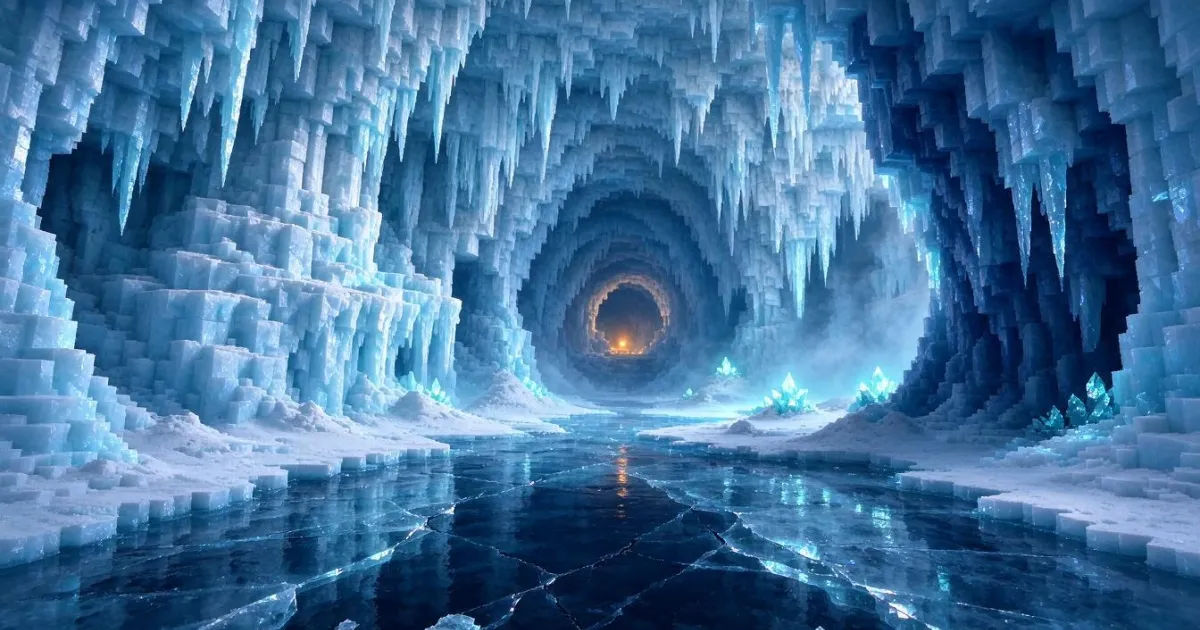
How to Prepare Your Minecraft Server for Winter Drop 26.4: Update, New Mobs, and Seasonal Event
What changes in Winter Drop 26.4 for your Minecraft server: Ice Caves, Frostbite, brittle ice, safe update order, and winter event.
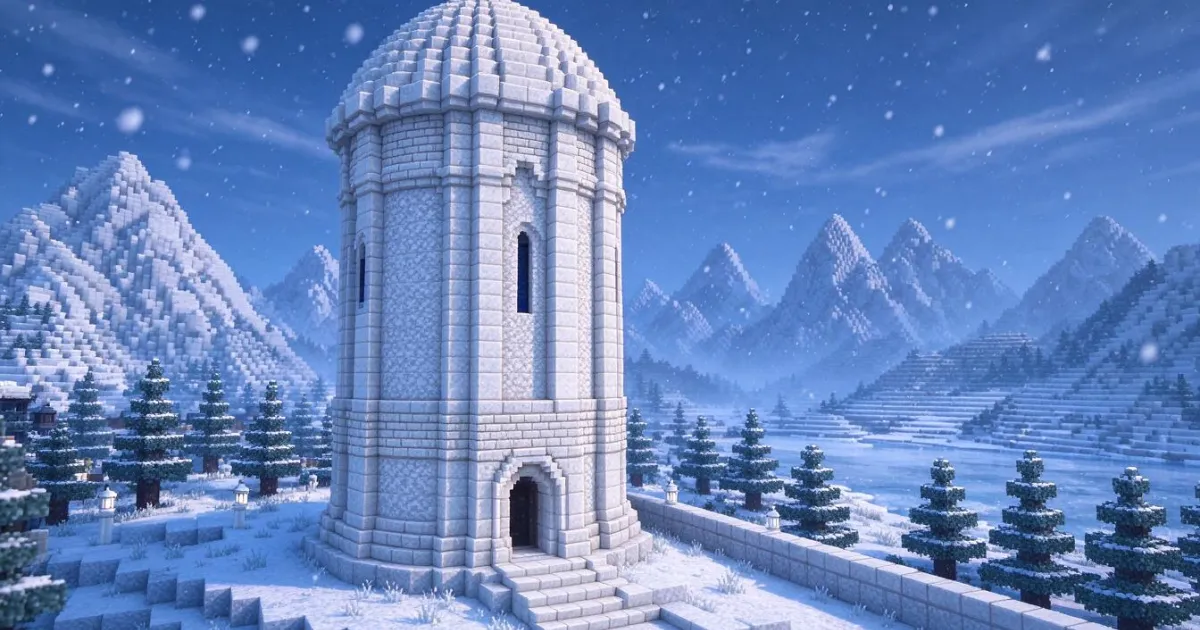
The 12 Calcite Blocks of Winter Drop 26.4: The New White Palette for Building
The 12 calcite blocks of Winter Drop 26.4: families, recipes, where to mine, and how many stacks your white dome needs.
Create your first skin, banner or blueprint now
Gå med i AisDiet och förbättra din kost.