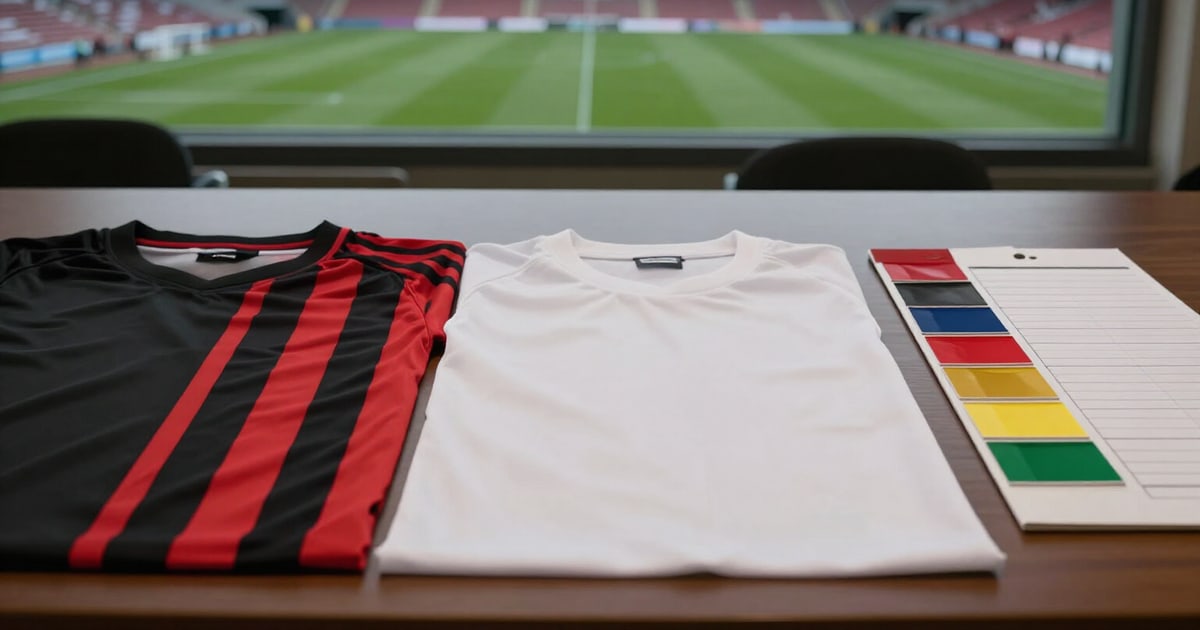
Your team's crest and kit come from the Base Team: choose the right one
Tell us what aesthetic you're looking for and we'll give you the exact menu path for the club that most resembles it, with its colors, and a table of what eFootball truly lets you change.
In eFootball, you don't upload a crest or design a kit. Everything is inherited from an in-game club. Choosing that club is your entire design freedom, so it's worth getting it right.
The Base Team Recommender starts with aesthetics, not the club's name. You choose from six visual styles —minimalist black, classic stripes, elegant white, vibrant colors, traditional red and blue, or retro— and, if you wish, you can enter a league or region to narrow down the search (Europe, Brasileirão, J1 League…). The app returns up to three in-game clubs that fit that style.
Each recommendation comes with what you truly need to find it within the game: the complete menu path in the order eFootball requests it (region, league, and team), a sample of the club's two dominant colors, and its kit pattern (plain, vertical stripes, pinstripes, hoops). There's a button to copy the path and keep it handy while you navigate the menus on your mobile. If no match is exact, the app indicates it with an approximation mark instead of selling you an equivalence that doesn't exist.
It also reminds you where to change it: Strategy, the crest at the top left, and Base Team Settings. And it warns you about something that confuses many people: Konami changes the names of unlicensed teams with each patch, so if a club doesn't appear with the expected name, the good clue is the colors within the same league.
The second half of the screen is an honest table of what's editable: the team name and three-letter abbreviation can be changed, the crest cannot be uploaded or designed because it's inherited from the Base Team, and kits, the stadium, and the avatar or profile badge are halfway there: you choose from the options you already have, they are not imported. Each row explains where it is and what its limitations are.
Try Base Team and club identity right here
Use it free without an account. If you want to save your result, you can sign up afterwards.
Save / Sign upBenefits of Base Team and club identity
Search by aesthetics, not by name
you say 'classic stripes' or 'minimalist black' and the app translates that into specific in-game clubs.
Menu path ready to copy
region, league, and team in the same order eFootball requests, with a copy button so you don't get lost navigating.
Color scheme and pattern display
the two dominant colors and if it's plain, has vertical stripes, pinstripes, or hoops, before you dive in.
Optional league or region filter
if you want a club from the J1 League or Brasileirão, you type it in and the recommendations adjust.
Notifies you when the match is approximate
if there isn't an exact club for that aesthetic, it tells you and offers the three closest ones.
Table of what can truly be edited
name and abbreviation yes, crest no, kits, stadium, and profile partially, with a note on where to edit each item.
Accounts for patch changes
it warns that unlicensed team names rotate and shows you how to locate them by colors within their league.
Works right here, in guest mode
without installing anything, without an account, and without touching your game progress, because it only tells you where to go inside the game.
Give your club the look you wanted
Choose the aesthetic, filter by league if you like, and pick the menu path of the Base Team that best suits you. Free, no registration, and without leaving this page.
In the features that use AI, responses are generated by artificial intelligence and are not a substitute for professional advice.