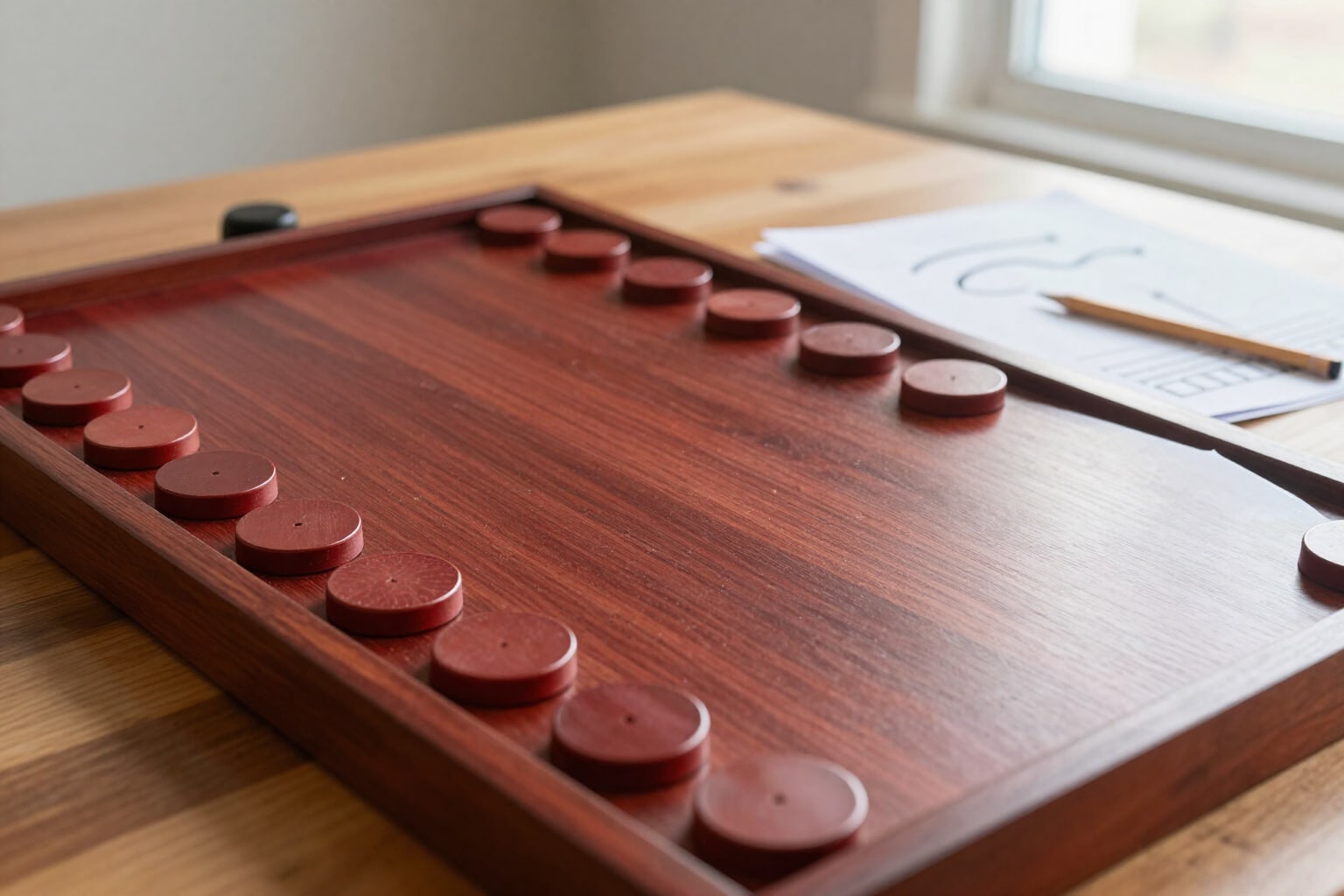
Carrom PDF Workbook: Print Your Training and Record Every Hit
A printable A4 with vector diagrams of a complete training track or your daily selection: cover page, board reference page with grid, one page per drill with its hint and most common error, and sheets to record your hits. Free, no registration, and no installation.
Training carrom while looking at your phone has a problem: the phone is exactly what distracts you. The workbook takes the drills off the screen and puts them on paper, next to the board, with the dimensions in board units so they remain correct at any print scale.
You open the drills tab, choose what you want to put on paper, and the app composes the PDF instantly. There are three scopes: this track (the five tracks in the catalog range from precision cuts to dislodging carrom men stuck to the rail), my daily selection (the drills you have marked one by one), or the entire catalog. Before generating anything, you see an estimate of pages and drills, so you decide with the information upfront and not after wasting ink. The workbook always comes with the same structure. A cover page with the track name, its level, the number of drills, and four rules of use. Next, a board reference page: the board drawn with a grid of 10 by 10 units, the base circles, the marked baseline, and the exact radii of the striker, carrom man, and pocket. That page is what makes the rest of the workbook measurable. Then, one page per drill: the board diagram with the exact position of the carrom men, a data sheet on the right (pocket, striker support, shot type, force, and target hits), the drill description, the hint in green, and the most common error in red. If you activate the self-scoring sheets, below appear two sets of ten boxes to mark one hit per box and three lines for notes; and at the end of the workbook, a log sheet with all drills in rows and six sessions in columns to see progress at a glance. The diagrams are not rescaled screenshots: they are drawn vectorially with the same geometry the app uses on screen, so they print sharp at any size. And no AI is involved: it neither writes the workbook nor draws the board. Everything comes from the geometry and the drill catalog, which is why generating a workbook costs nothing.
Try PDF Workbook right here
Use it free without an account. If you want to save your result, you can sign up afterwards.
Save / Sign upBenefits of PDF Workbook
Dimensions in board units, not paper centimeters
the board measures 100 × 100 units and all measurements are given this way. Whether you print at actual size, 94%, or A5, the workbook remains correct; a workbook with dimensions in paper millimeters lies as soon as the printer rescales.
Vector diagrams, not screenshots
each board is drawn with the same geometry the app uses on screen, with the same palette and markings. It prints sharp at any size, and what you see on paper is exactly what you would see in the app.
A reference page that makes everything else measurable
a 10x10 unit grid, base circles, the legal striker support strip, and the radii of the striker, carrom man, and pocket. Without this page, a diagram is just a pretty drawing; with it, you can place the carrom men precisely.
The hint and the most common mistake, for each drill
below the diagram is what to look for to solve it and what almost everyone fails at. This is what differentiates a training workbook from a sheet with positions.
Self-scoring sheets and a log sheet
two sets of ten checkboxes per drill, three lines for notes, and a final table of drills × six sessions. The criterion for advancing to the next drill is printed: reaching the goal two sessions in a row.
You choose what’s included
a complete training path, your daily selection marked drill by drill, or the entire catalog. With the estimated number of pages and drills visible before generating, and a limit of 40 pages so no one ends up with an unmanageable PDF.
Works on the wooden board and in the game
the geometry is the same in both places; what changes is the gesture, not the angle. The workbook is designed to be left open next to the board, so you don’t touch your phone during the session.
Free, no registration, and no AI involved
the workbook is composed on the server from geometry and the catalog, so generating it costs nothing. It works in your browser, on this very page, and downloads instantly. With a free account, your generated workbooks (up to ten) are saved in your library.
Print today’s session and leave your phone in your pocket
Choose a training track or mark your drills, see the page estimate, and download the A4 with diagrams, hints, and success checkboxes. No registration and no app downloads.
In the features that use AI, responses are generated by artificial intelligence and are not a substitute for professional advice.